Published June 19, 2026
Considering getting an upgrade on your NBN plan to improve your internet speed? This is a good idea. However, the problem is that improved speed does not automatically make other things faster. Your household may be outdated enough to not take advantage of the improved plans. Just think about buying yourself a high-end sports car when there is no way to use it. Make sure that before enjoying streaming, gaming, and downloading you have done everything needed to upgrade your household infrastructure.
Checking your NBN connection box
The NBN connection box is the very first place where your connection comes through.
You are already using either FTTP or HFC? In this case, there will be no problem for you to use your upgraded plan because these connections support up to 1000 Mbps speed with existing equipment.
However, if you are using FTTC or FTTN, then if you are eligible for getting a nbn fibre upgrade you should expect a new connection box installation.
| Ethernet Cable Type | Typical Maximum Speed | Recommended Use |
|---|---|---|
| Cat 5 | Up to 100 Mbps | Suitable for basic internet plans and light browsing |
| Cat 5e | Up to 1 Gbps | Ideal for most households using standard NBN plans |
| Cat 6 | Up to 1 Gbps+ | Provides improved reliability for streaming and gaming |
| Cat 6a | Up to 10 Gbps | Best choice for high-speed plans and future upgrades |
Check your Wi-Fi router
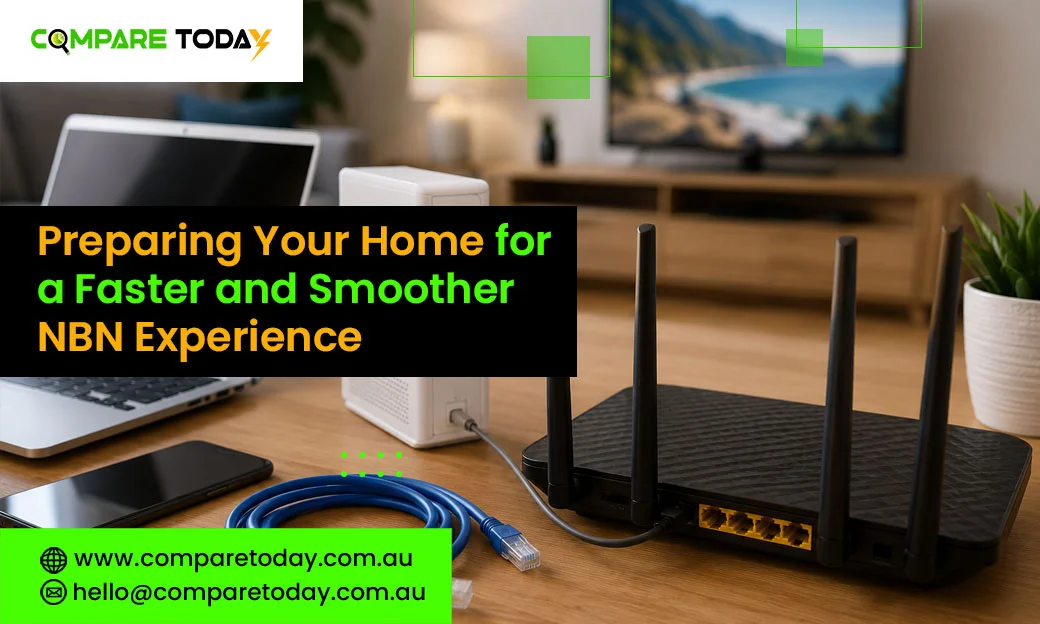
The router is responsible for distributing the internet in your house. Literally, An outdated router may be too old for.
- Check Wi-Fi 6 or Wi-Fi 7. Such routers will be able to handle fast nbn plans such as Exetel One Plan or higher. Besides that, they can manage multiple devices which is important these days.
- Consider device compatibility. Even though you have a fast router, the laptop, smartphone or tablet that can support older generations of Wi-Fi won’t allow you to receive fast connections.
- Do you have many devices connected to the internet simultaneously? This can lead to some problems since streaming, gaming, and video calling need extra bandwidth.
Besides that, most modern routers use Wi-Fi Band Steering technology that distributes every device among the most suitable frequency bands (2.4 GHz, 5 GHz, or 6 GHz).
What are wi-fi generations and why they matter
Wi-Fi technology has its own generations similar to mobile networks. The newer the generation is, the faster and stable connection you will have.
If the device or the router was purchased prior to 2019, it is unlikely that it can handle anything except for Wi-Fi 5 or below. An upgrade can greatly improve your performance.
Is your router and equipment compatible?
In order to achieve the best performance, both router, your devices and cables should be compatible – or at least work with similar speeds.
Examples:
- Old device + new router: Even though your router can handle 1 Gbps, the older model of your tablet will work at speeds up to 100 Mbps because it supports Wi-Fi 4 only.
- New device + old router: The same applies to the other case. If your new laptop cannot use the capabilities of the router because of its outdated technology, you will have limited performance.
Regardless of how well your equipment is connected, the maximum speed will depend on the weakest point – either modem, cable or your devices.
Tips on how to make sure that your router is covering all your devices
The reason why you might have Wi-Fi coverage problems in your house includes obstacles and interferences. Metal objects inclluding door, walls, floor, and ceiling can block or weaken the Wi-Fi signal. You need to put your router in an unobstructed, elevated position, preferably in the center of your most frequently used devices.
Don’t know where to begin? We’ve got you covered
Does all this seem a bit too much? Relax! Spend some time checking your devices and your home infrastructure, or contact Commpare Today for assistance through the app chat or contact us here. Since getting the best from your One Plan does not only come down to getting good connectivity, it comes down to the devices you connect to it.
Ready to prepare home for NBN upgrade? Compare Today is here to help you choose the best plan and optimise your home network for better performance. Follow us on LinkedIn for more internet, NBN, and connectivity insights.