Published October 6, 2026
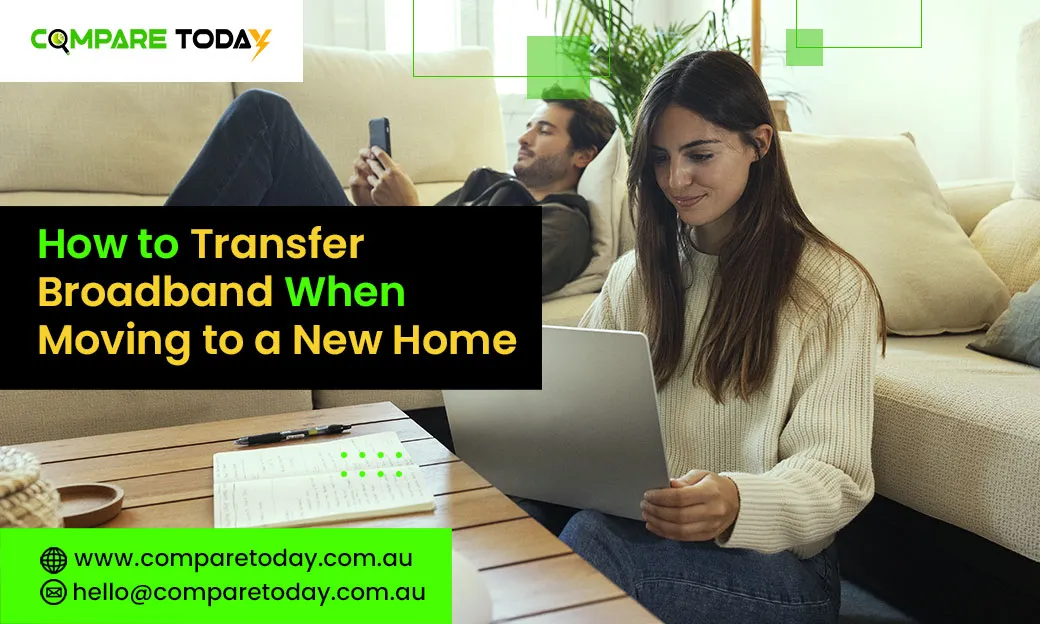
Whether renting or buying, we get that moving into a new home is stressful. Worse still is collapsing on the new sofa you bought off Facebook Marketplace, only to realise you haven’t got internet. Lucky for you, sorting out your internet when moving is easy to do and can be one of the first things you tick off your to-do list. It is recommended organising your internet earlier, because it can take up to 2 to 4 weeks if you need an installation appointment.
If you’re building a new or off-the-plan home, you’ll need to ask the developer if they’re building with the NBN in mind. From there, follow either the NBN guide for new builds and make sure your builders are aware of the requirements for each network. This is a great time to make sure you get the connection type you think you’ll need and even consider futureproofing with the rise of smart, connected devices.
While getting closer to your connection type decision, you should know your move in date before buying your plan.
Getting the right hardware
Once you determine your connection type, it’s high time to make sure that you have the right modem or router. In case if your connection type is the same as at your property, it means that you won’t need to purchase a new device when moving.
If the property you’re going to move to has FTTN/B connection, you should have a modem that works according to the principle of VDSL2 technology. Don’t panic, you can see our helpful guide below on what type of router or modem (or even both) you should have for your connection type.
To put it simply, if your new home has a box from NBN fitted to the wall or within the premises, it means that all you need is a router which comes with a WAN port. No worries, FTTN/B users! If you have your VDSL2 modem with WAN port already, it’s okay to use that one as well. Here’s what tech-savvy readers should know:
- Fibre to the Premises (FTTP)
- Hybrid Fibre Coaxial (HFC)
- Fibre to the Curb (FTTC)
- Fixed Wireless
Moving your service around
If you’re an Aussie customer, moving your internet connection is a piece of cake! Simply visit the online portal and look for a “Relocate Service” button at the bottom of the page. Then all you have to do is enter your new address, choose your preferred package and the earliest date when you’d like to have the connection activated.
In case you’ve made the decision to change providers, don’t forget to contact your previous provider and terminate your subscription! This will save you from double billing and we highly recommend that you do this only after your new connection is set up!
In case you require crossover period, like you need your Internet connection simultaneously at two properties for some time, please contact our sales department to arrange it for you.
Installation and setup
The removalist van is already gone; your plants are now in their right places and now it’s time to finish your move by connecting your Internet!
The removalist van is already gone; your plants are now in their right places and now it’s time to finish your move by connecting your Internet!
In case you require any assistance during the installation period or the rental period, our 100% Australian-based help is at hand.
Planning your move? Compare Today can help you compare broadband plans and find an internet option that suits your new home. Comparing your options before moving day can help you avoid unnecessary delays and make sure, you’re ready to get connected.
Frequently Asked Questions
How early should I arrange broadband when moving house?
It is best to arrange your broadband transfer or new connection as early as possible. Some NBN installations may require an appointment, so organising your service a few weeks before moving can help avoid delays.
Can I transfer my broadband service to my new home?
Yes, in many cases you can transfer your existing broadband service to your new address. Your provider will check the new address and confirm whether your current service can be relocated.
Do I need a new modem when moving house?
Not necessarily. If your new home uses a compatible NBN connection type, you may be able to use your existing modem or router. Check compatibility with your provider before moving.
Can I have internet at both homes during the move?
Some providers may allow a temporary crossover period where your internet service remains active at both addresses. Contact your provider to discuss availability and any additional costs.
How long does it take to get NBN connected after moving house?
The timeframe depends on the NBN technology available at your new address and whether an installation appointment is required. It is best to arrange the connection before moving day to minimise downtime.